Build your manga world with AI — and keep it consistent
Describe your story and an AI assistant drafts your characters, arcs and chapters. Generate art that stays on-model across every panel, lay out full pages, then export. No drawing skills required.
Be first in when we open. No spam — just a heads-up at launch.
See it in motion
Watch a page come together
From a prompt to a laid-out, on-model page — the whole flow, start to finish.
Made with PanelFlow
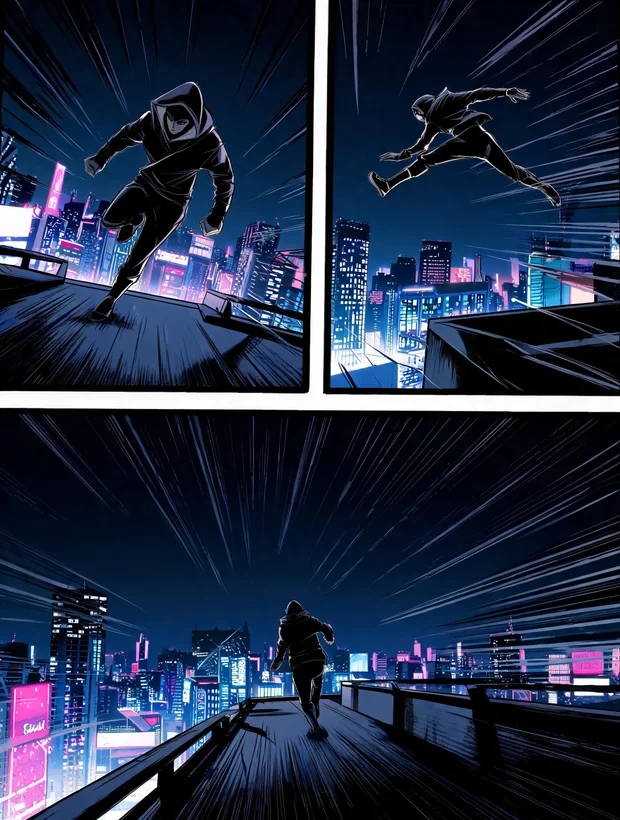
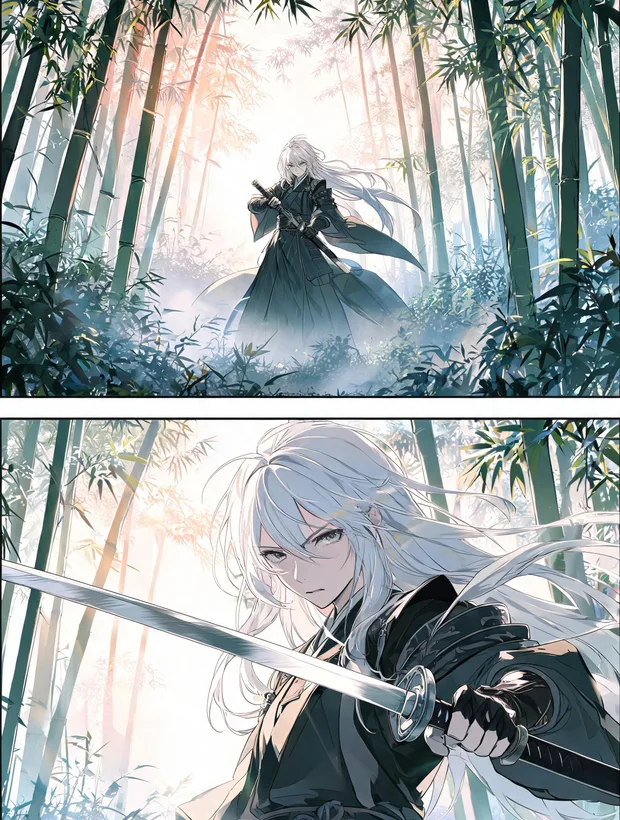
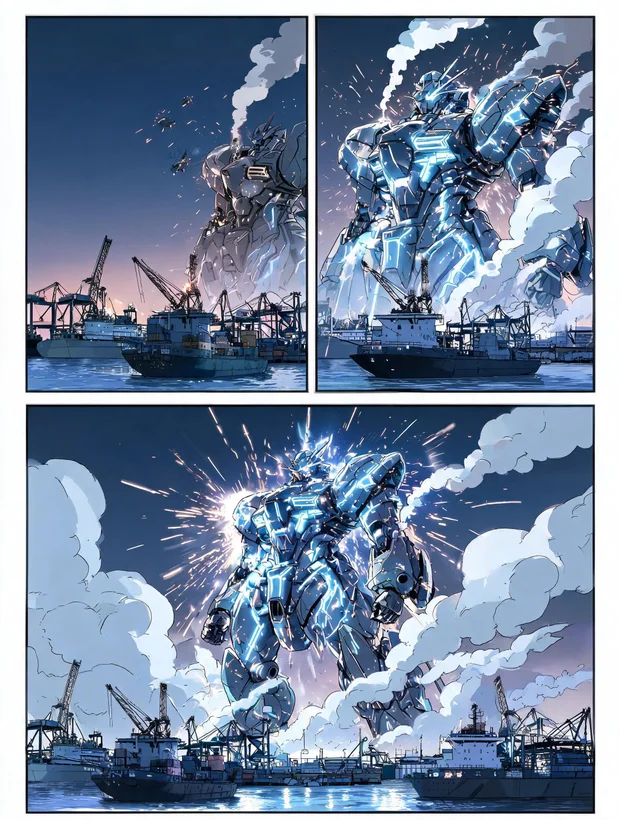
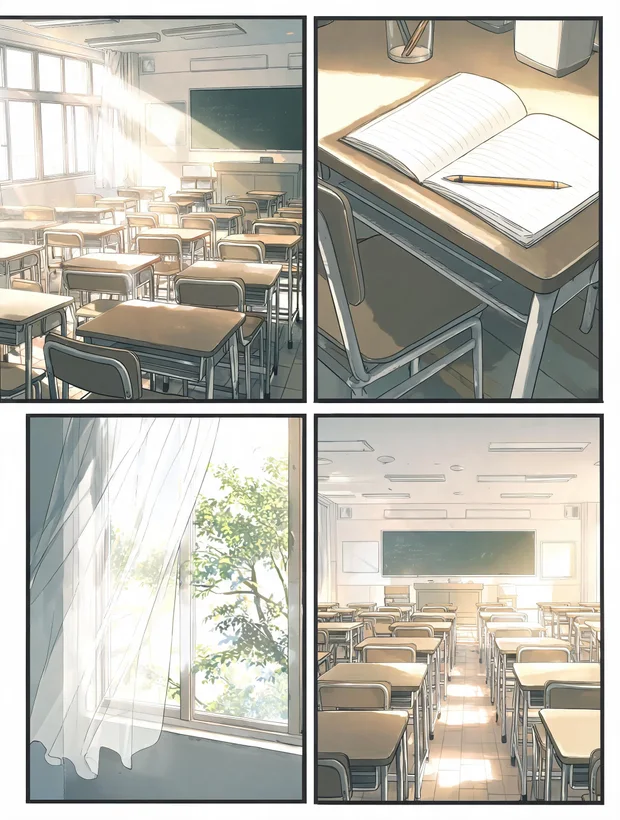
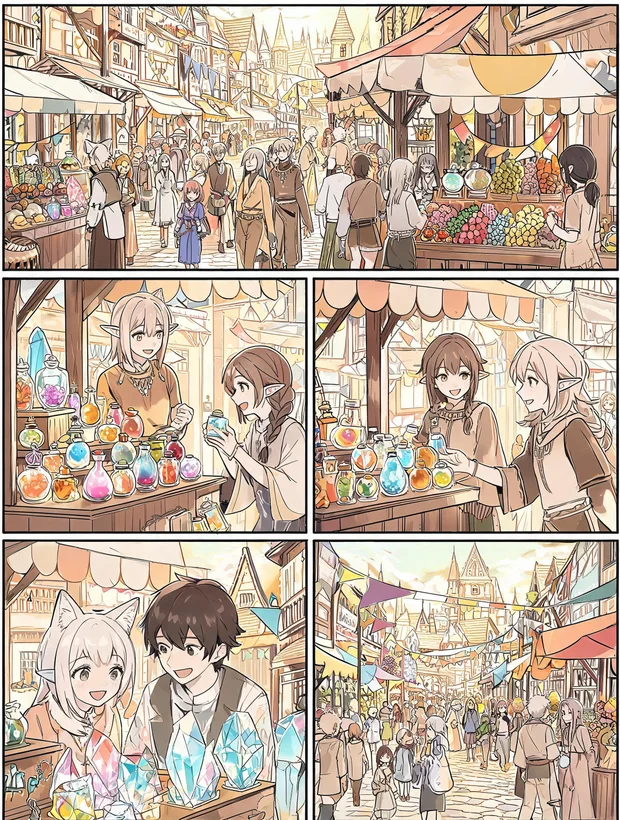
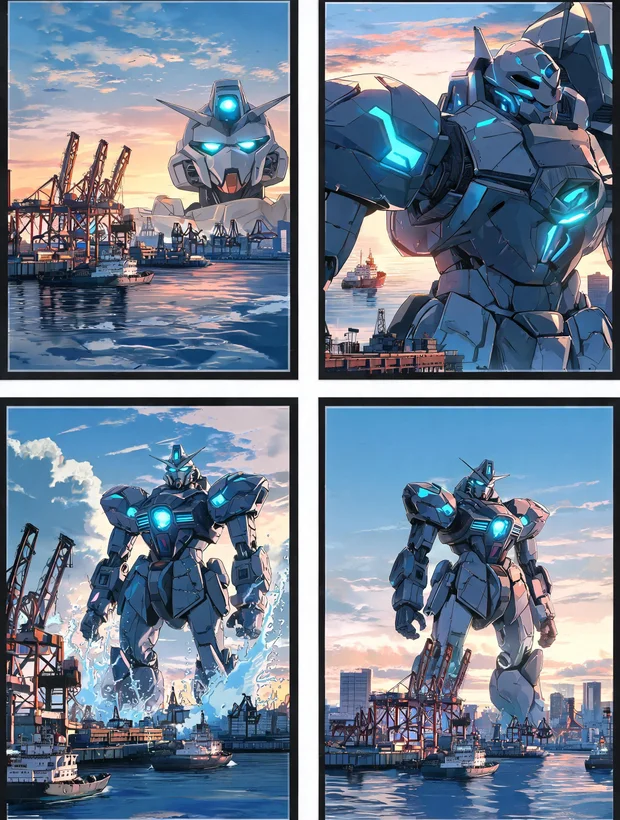
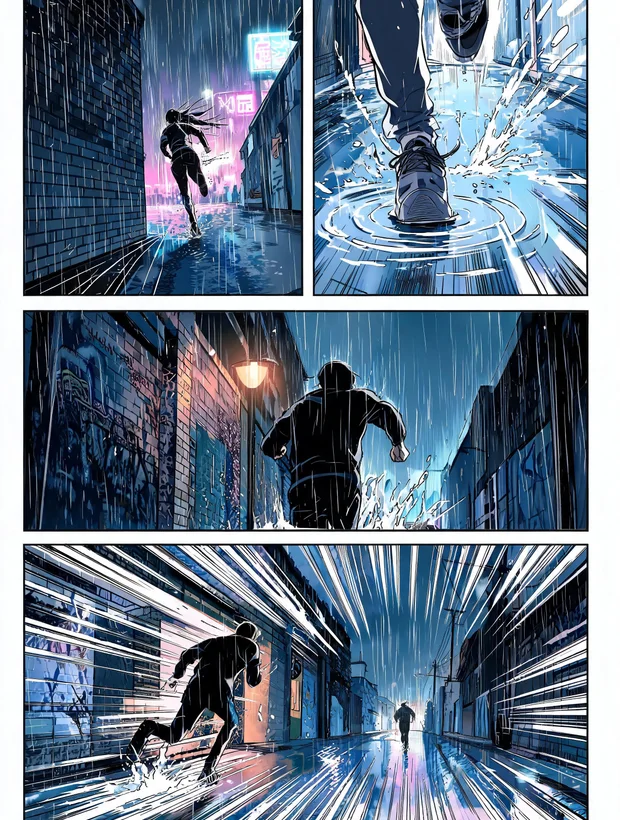
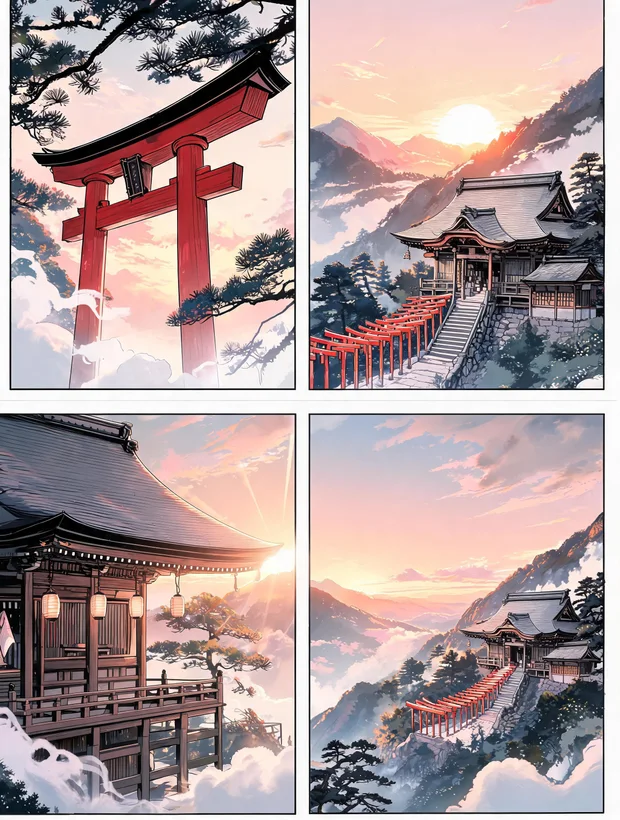
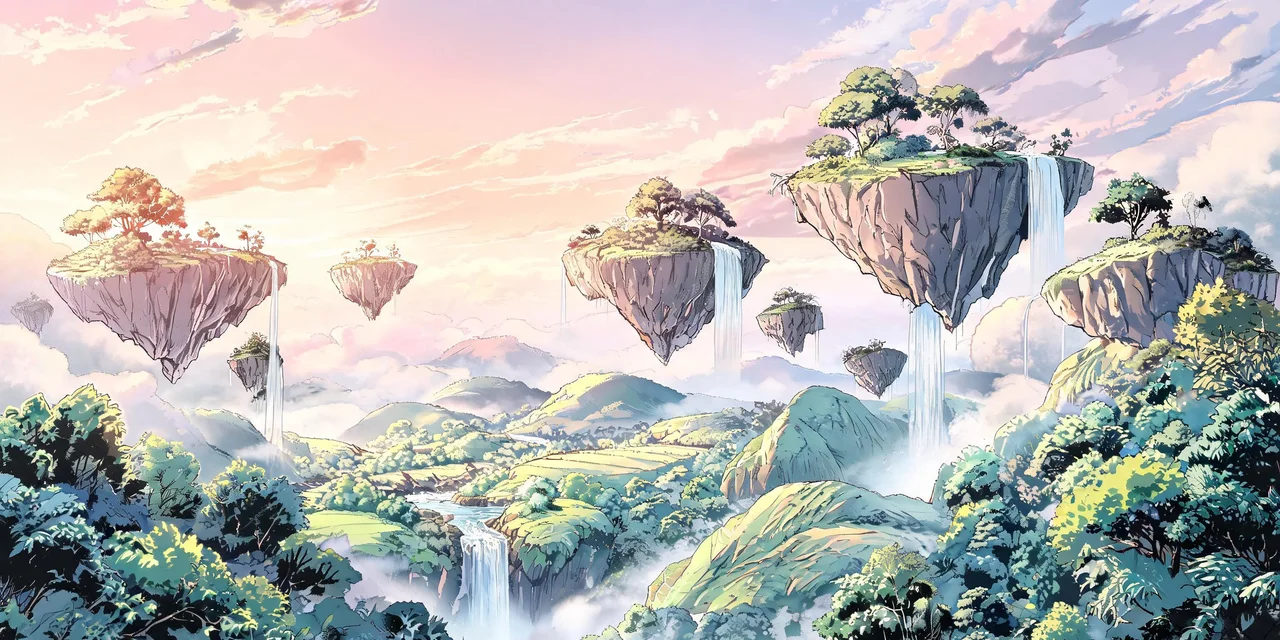
Real pages, straight out of the builder
Full chapters composed by the AI page builder — panels, bubbles and lettering — then polished in the editor.
The toolkit
Everything it takes to make a manga
One studio for the whole pipeline — from the first idea to a laid-out page. These are real, working parts of the app.
AI worldbuilding assistant
Describe your story in plain language. The assistant proposes characters, factions, power systems, arcs and chapters — you review and approve each before anything is created.
A living world
Characters, places, factions, items, clothes, power systems & moves, arcs and chapters — all structured, linked, and reusable across every page you draw.
On-model image generation
Reference packs pin a character's identity so they look like themselves in every panel — not a new face each time you generate.
Full page & panel editor
A real canvas: panels, speech bubbles, layers, drawing tools, and clip-to-panel — with AI generation available on any panel.
Edit in place
Inpaint, outpaint and remove backgrounds. Keep a full generation history per image, tag entities, and save results back to your library.
Playground image lab
A free-form canvas per project to experiment, paste in references, and generate without touching your pages.
Multiple art models
Frontier and anime-specialised models with automatic routing — pick the look you want and let PanelFlow send it to the right engine.
Export your work
Turn finished pages and chapters into shareable, print-ready output when you're done.
Consistency
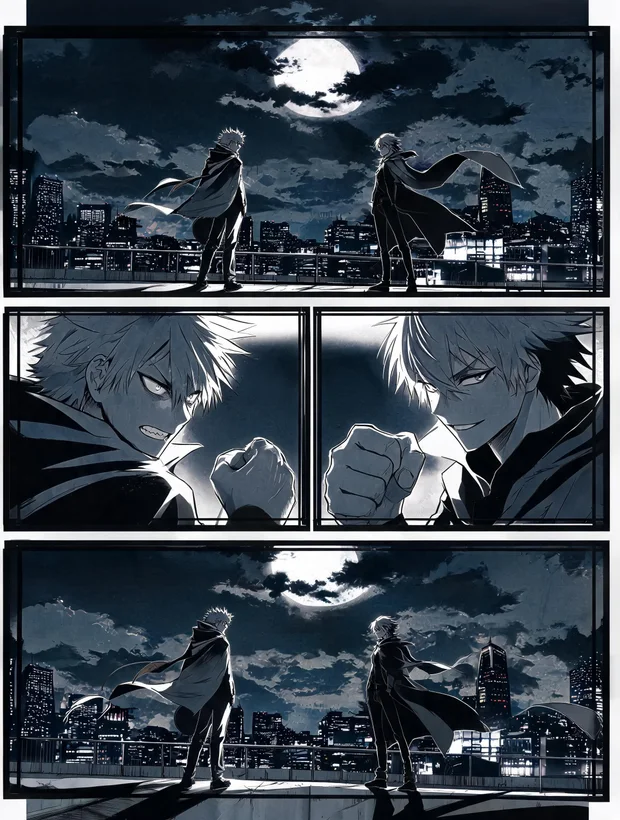
The same character. Every single panel.
The hardest part of AI comics is characters that drift — a different face, a different outfit, every prompt. PanelFlow pins identity with reference packs so your cast stays on-model as the story moves.
- Build a reference pack of a character once — face, outfit, silhouette.
- Every generation pulls from that pack, so they stay recognisably themselves.
- Reuse the same identity across panels, pages and whole chapters.
- Works for places, items and outfits too — not just faces.
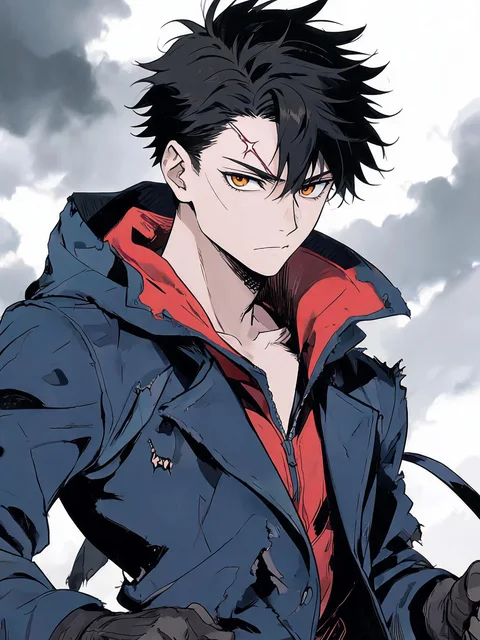
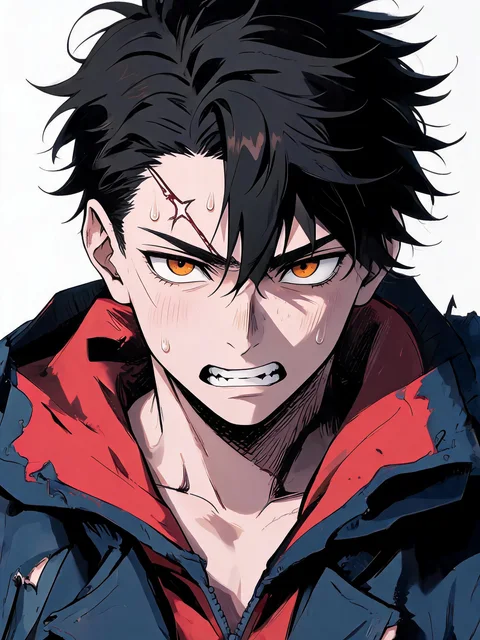
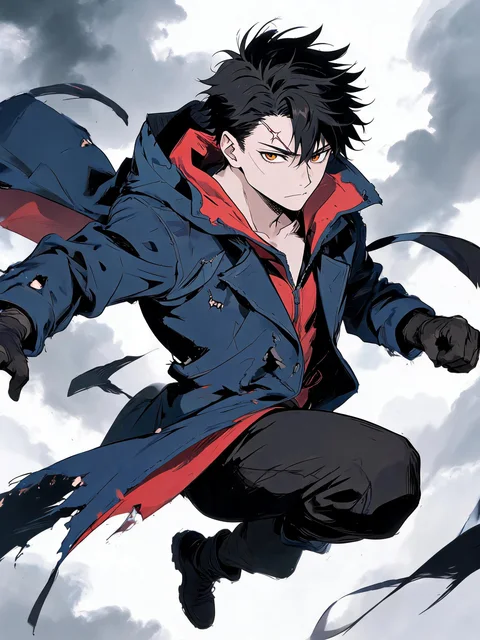

Four panels, one consistent character.

How it works
From idea to finished page
A single flow, start to finish — you stay in control at every step.
Describe your story
Tell the assistant the premise. It proposes a cast, factions, power systems, arcs and chapters for you to approve.
Build the world
Refine characters and lore. Lock reference packs so each character has a stable identity to generate from.
Generate on-model art
Create panel art that pulls from your references — consistent faces, outfits and props, panel after panel.
Lay out the page
Arrange panels, add speech bubbles and effects on the canvas, and refine with inpaint, outpaint and remove-bg.
Export & share
Turn finished pages and chapters into print-ready output when the issue is done.

Questions, answered
Start your manga while the ink is still wet
Join the waitlist for early access. We'll email you the moment your studio is ready.